
Professional services website structure: a practical guide
Give every page a clear job. A practical structure for UK service firms, with a page-planning template and a worked enquiry journey.
BrandFlame Studio10 September 2026· 4 min read· AI-assisted
About this guide. BrandFlame’s editorial desk covers website design, enquiry journeys and connected business systems. Sources support factual guidance; worked examples are illustrative unless identified as a documented project.
Meet the team · Research and corrections policy · Try our workflow demo
A professional services website needs to help a potential client recognise their problem, understand the help available and decide whether a conversation is worthwhile. A list of capabilities is only the starting point. The structure should connect each service to its audience, evidence and next step.
This guide is for UK consultancies and other service firms planning a new site or reorganising an existing one. The deliverable is a page plan your team can use to brief a writer or developer. It is an editorial recommendation, not a claim that a particular menu or page count will improve your rankings.
Start with the questions buyers need answered
Gather the questions that appear before a useful first meeting. Ask the people who answer enquiries, prepare proposals and deliver the work. Use anonymised examples where client information is involved. Group questions by the decision the visitor is making, rather than by your internal departments.
A prospective client might ask whether you work with businesses of their size, whether you solve a particular operational problem, what an engagement includes and what information they should prepare. These questions suggest different pieces of content. A short suitability paragraph belongs on a service page; a detailed preparation checklist may deserve a supporting guide.
Give the website one primary next step, such as requesting an initial conversation. Keep useful secondary routes for people who need to compare services or read an example before contacting you. Visitors should be able to move forward from the page where they arrive.
Give each page a distinct job
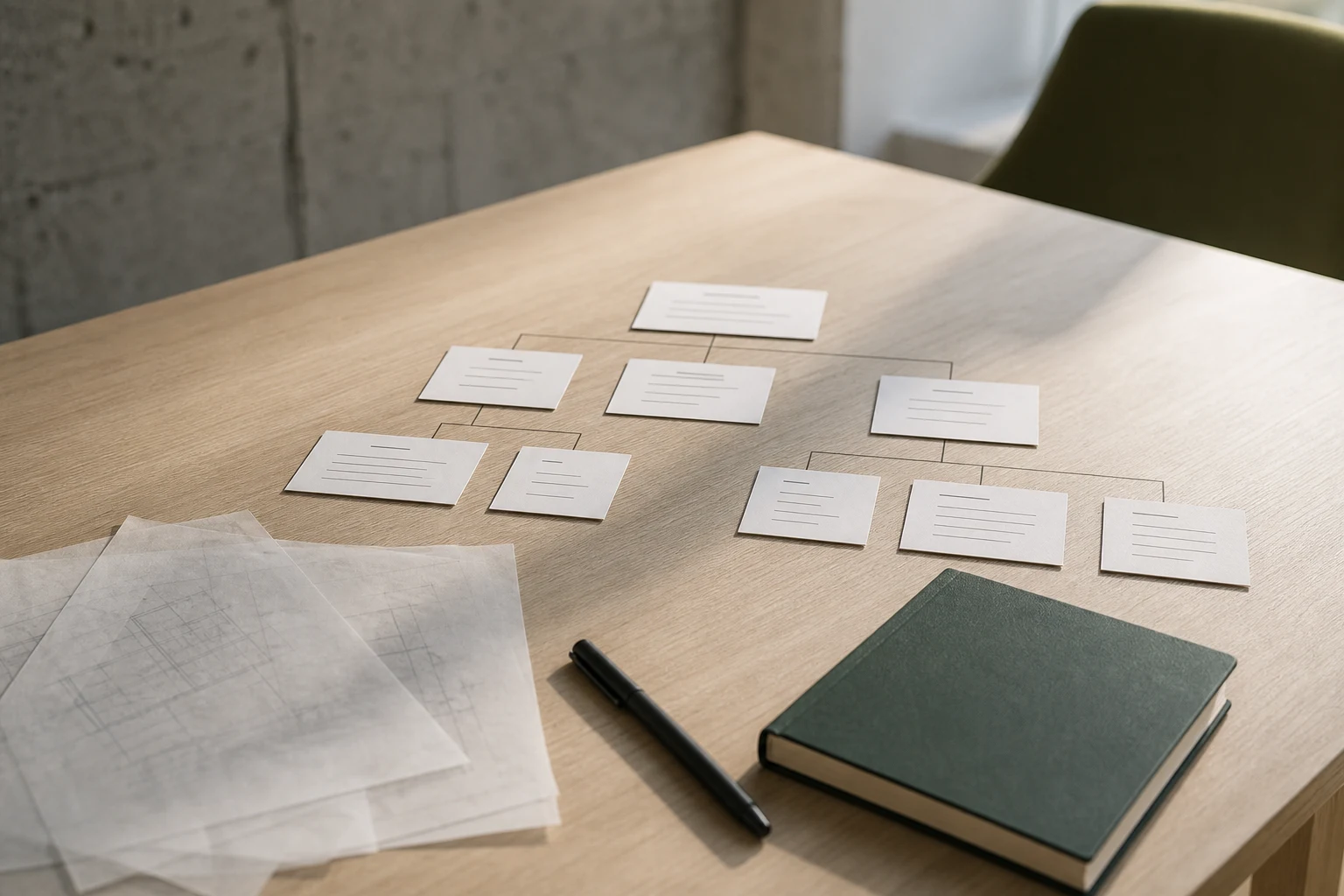
Use this planning table before commissioning a layout. The example paths are suggestions for your own website, not links to published pages.
| Page | Main question | Useful content | Next step |
|---|---|---|---|
| Home | Is this firm relevant to me? | Audience, problems solved and a concise overview | Choose a service |
| Services | Which type of help fits? | Clear differences between engagements | Open a service page |
| Individual service | What will this involve? | Suitability, scope, process and exclusions | Request a conversation |
| Project example | Can I understand the approach? | Problem, work undertaken and evidenced outcomes | Explore the related service |
| About | Who will I work with? | Accurate roles, experience and contact information | Meet the relevant team |
| Contact | How do we start? | Short form and a clear explanation of what follows | Send an enquiry |
Create an extra page when there is enough distinct information to answer a separate customer need. Avoid copying the same service description into numerous sector or location pages with only the names changed. A small firm can start with fewer pages and expand as its evidence and offer develop.
Write a brief for each service page
For every service, prepare a one-page brief with five entries: the buyer, the situation they face, the work included, the evidence available and the next action. Give one person responsibility for confirming the scope before copy is written.
For example, an operations consultancy's process-mapping page could explain which workflows it reviews, who participates, what the client receives and how recommendations become an implementation plan. A short paragraph about exclusions can prevent unsuitable enquiries. Avoid promising savings unless you can support the calculation and explain the circumstances.
Use real project evidence with permission. Where you have no publishable client example, explain your method or show a clearly labelled demonstration. An invented testimonial cannot substitute for evidence. Our professional services solutions illustrate how a service proposition can connect to an enquiry journey.
Make navigation understandable and links usable
Choose labels a visitor can predict, such as Services, Our approach and Contact. An internal team name may mean little to a prospective client. Keep the main menu selective; place detailed guides beside the services they explain and within a clearly organised resource library.
Google's link guidance recommends crawlable links with meaningful anchor text. Ask your developer to make important destinations ordinary links with real addresses. Describe the destination instead of repeating a vague instruction such as “click here”.
The W3C menus tutorial explains accessible navigation techniques. Include keyboard operation, visible focus and clear current-page indication in your acceptance checklist. Also check that a mobile visitor can open, use and close the menu without losing their place. These are usability checks; they do not establish full accessibility conformance.
Work through one fictional client journey
Suppose a small UK operations consultancy offers process reviews, workflow implementation and team training. A visitor arrives directly on its workflow implementation page after being referred by a colleague. The page should explain the systems and processes in scope without requiring a trip back to the homepage.
From that page, the visitor can read a labelled workflow example, understand the delivery stages and request a conversation. The form asks for contact details and a short description of the problem. Its confirmation explains when the team expects to respond. A project portal appears later in the relationship; it is not a requirement for making an enquiry.
Draw this route on paper: entry page, supporting evidence, enquiry, acknowledgement and team ownership. Note any point where the visitor must guess what happens next. For work after the first conversation, our client portal planning guide covers a different stage of the journey.
Review the plan before changing the site
List existing addresses and identify useful pages that should remain. If a page must move, have its replacement and redirect agreed before launch. Check the menu, contextual links, contact form and confirmation on a phone as well as a desktop. Read the page titles together to spot duplication or unclear distinctions.
After launch, compare relevant enquiries and form completions alongside page visits. Search Console can show which queries and pages receive Google clicks; a view counter alone cannot establish that a new structure attracted qualified clients. Start with the Website Grader for an initial website check, then use the page plan to scope any website design and development work.
Questions consultants and professional services leaders ask
How many pages does a professional services website need?
There is no useful universal page count. Start with the distinct services, buyer questions, evidence and contact routes your firm can explain well. Add pages when they have a separate purpose and enough original information to help a client decide.
Should every service have its own page?
A distinct service often benefits from a page explaining suitability, scope, process and the next step. Closely related services can share a page when separating them would create repeated descriptions rather than clearer choices.
Will changing the menu improve Google rankings?
Clear navigation and descriptive internal links help people find relevant pages and help search engines discover content. A menu change alone does not establish a ranking improvement. Track query and page performance alongside relevant enquiries.
Sources
Published by BrandFlame with AI assistance. How we write these guides.
More for consultants and professional services leaders
All consultants & professional services guides
Consultants & Professional Services10 September 2026· 5 min read
AI automation for service firms: choose your first workflow
Start with one task your team can evaluate. Compare AI with ordinary automation, define human review and measure the benefit after checking time.

Consultants & Professional Services10 September 2026· 4 min read
Build a client portal your customers will actually use
Bring project updates, documents and customer actions into one clear place. A practical guide to defining a client portal your team can keep current.

Consultants & Professional Services6 September 2026· 5 min read
Qualifying professional-services enquiries consistently
Use five practical prompts to capture the problem, scope, stakeholders, timing and next action — consistently, without turning an enquiry into an interrogation.