
A smoother consultation booking journey
A practical workflow for aesthetic clinics that want online booking to reduce admin without losing the consultation safeguards, clear hand-offs and human judgement the journey needs.
BrandFlame Studio7 September 2026· 4 min read· AI-assisted
About this guide. BrandFlame’s editorial desk covers website design, enquiry journeys and connected business systems. Sources support factual guidance; worked examples are illustrative unless identified as a documented project.
Meet the team · Research and corrections policy · Try our workflow demo
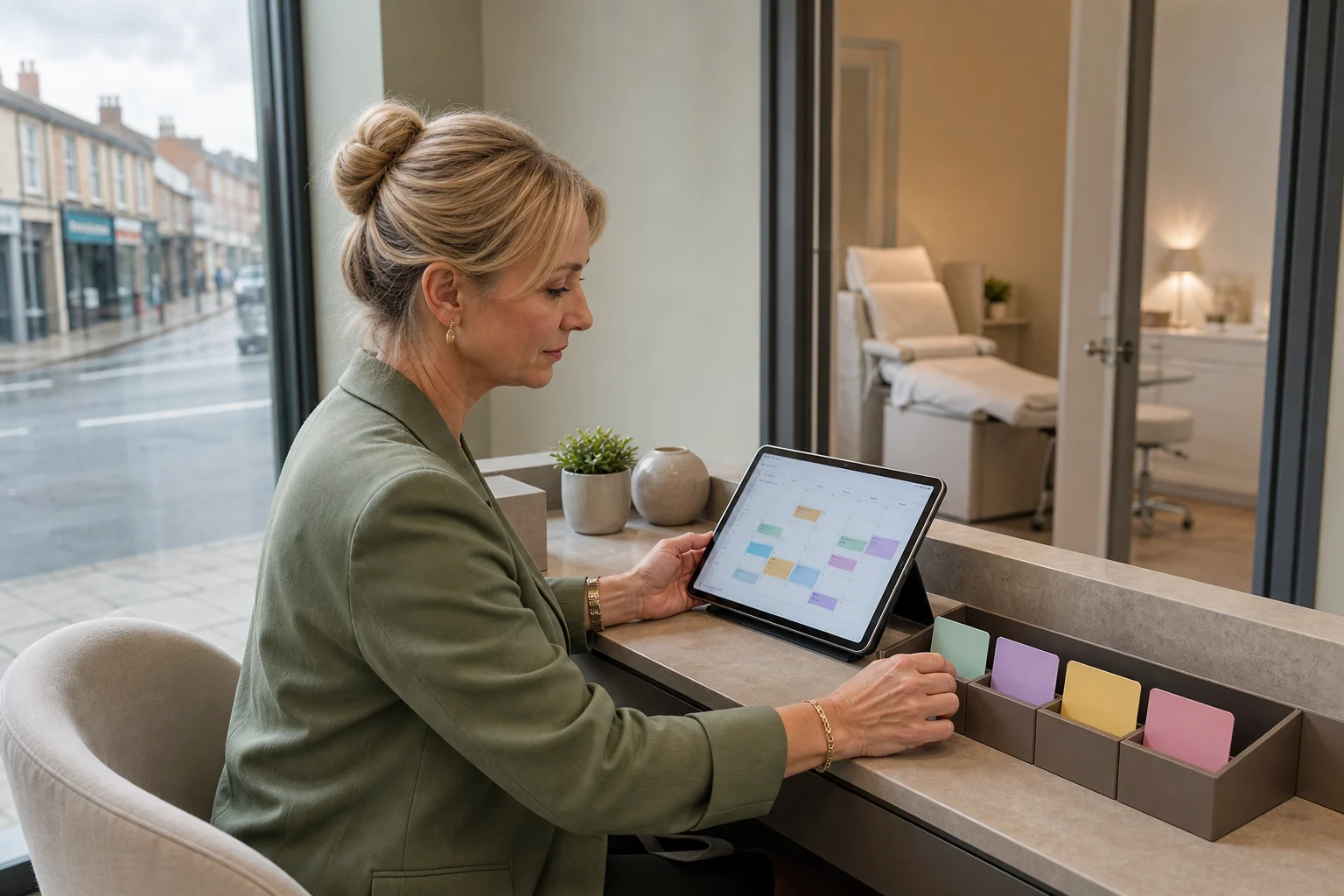
Online booking should remove back-and-forth without turning every treatment request into the same kind of slot. The best starting point is a service map that tells clients what they can book, tells the system what must happen next and tells reception when to step in.
Map appointment types before choosing software
Begin with the smallest useful menu. Too many near-identical choices make the client diagnose their own need and create clean-up work for reception. A practical first version might look like this:
| Appointment type | Who can book it? | What happens before arrival? | Reception owns |
|---|---|---|---|
| New client consultation | New clients | Confirmation, short pre-visit information, relevant form | Unclear requests and accessibility needs |
| Returning client consultation | Existing clients | Identity check and confirmation | Duplicate records or changed details |
| Review appointment | Invited clients only | Link tied to the existing record | Requests without a matching treatment record |
| Non-POM treatment appointment | Eligible new or returning clients | Deposit, preparation information and any required form | Suitability questions and exceptions |
| Change or cancellation | Anyone with a valid booking link | Apply the clinic's stated notice rules | Late changes, refunds and unusual circumstances |
Keep prescription-only medicine (POM) pathways consultation-led. CAP guidance says POMs cannot be advertised to the public and explains that clinics may promote a consultation for an area of treatment, provided the medicine is not referred to directly or indirectly. Review public appointment names, descriptions, prices and calls to action against the current CAP guidance on prescription-only medicines, and take specialist advice where needed.
This mapping should exist before a software demo. It gives you acceptance criteria for configuring an existing booking platform and helps expose whether you genuinely need custom development. Current UK clinic software pages advertise features such as automatic confirmations, deposits, self-service rescheduling, forms and room scheduling; these are therefore sensible capabilities to test rather than assume (example vendor feature page).
Design the confirmation and change journey
A booking is not complete when a calendar entry appears. Define the messages and status changes around it:
- Immediate confirmation: state appointment type, date, time, location, practitioner if relevant, amount paid and the simplest way to change the booking.
- Preparation step: send only the information or form needed for that appointment. Avoid burying an action inside a long promotional message.
- Reminder: repeat the essential details and use the same change route as the confirmation.
- Change acknowledgement: confirm the old appointment has been cancelled or moved, then show the new details.
- Reception exception: create a task when a message fails, a form remains incomplete, payment status is unclear or the client's request does not fit a safe self-service route.
Use one booking reference across the calendar, payment and messaging records. If systems are separate, decide which one is the source of truth and test what happens when a client reschedules, a payment fails or a practitioner becomes unavailable. A simple integration that creates a reception task on failure is more useful than a nominal “two-way sync” nobody monitors.
Give reception a visible ownership queue
Automation works only when exceptions have an owner. Give reception one queue with a reason, due time and next action. Useful reasons include “needs appointment choice”, “failed confirmation”, “form outstanding”, “late change”, “deposit query” and “practitioner review needed”. Assign one person to clear it during each shift and nominate a backup.
Set service standards around actions you control: for example, check failed messages at opening and mid-afternoon, review next-day incomplete steps before close, and record the outcome against the booking. These are operating choices, not universal benchmarks; adapt them to clinic hours and staffing.
Practical AI can help classify free-text enquiries into these queue reasons or draft a reply from an approved template. Keep a person responsible for sending it, and do not let a general-purpose AI tool decide clinical suitability or receive health details unless its data handling, purpose and permissions have been properly assessed.
Collect less data at the booking stage
Separate booking details from clinical assessment. Ask only what is necessary to reserve and prepare the right consultation; collect fuller medical information in the appropriate clinical workflow. The ICO identifies health data as special category data and says organisations need both an Article 6 lawful basis and an Article 9 condition when processing it. It also stresses data minimisation, security and transparency for special category data (ICO special category data guidance).
That makes a good system review broader than a feature checklist. Confirm who can access booking and health information, how long each is retained, what clients are told, how exports work and how former staff lose access. Regulatory responsibilities depend on the clinic and processing purpose, so treat this as a discussion framework rather than compliance advice.
Run a two-week workflow test
Configure one consultation pathway first and test it with fictional records. Include a successful booking, a reschedule, a cancellation, a failed payment, a failed message, an incomplete form and a practitioner absence. Check what the client sees and what reception sees at every step.
For two weeks, record only operational measures you can verify: bookings started and completed, manual contacts required, failed messages, unresolved exceptions at close and the reasons clients needed help. Review the evidence with reception before adding more appointment types.
If an existing platform meets the map, configure it and document ownership. If gaps remain, improve the integration or build only the missing part. BrandFlame's cosmetic clinic digital transformation work starts with this end-to-end process, because a polished booking page cannot compensate for unclear hand-offs behind it.
Sources
Written with AI assistance and published automatically after checks for structure, source references and links. No human review is required before publication. How we write these guides.
More for clinic owners
All cosmetic clinics guides
Cosmetic Clinics6 September 2026· 4 min read
Aesthetic clinic enquiry conversion workflow
Help reception teams respond promptly without straying into clinical advice. This guide gives aesthetic clinics a practical intake, handover and follow-up process that can work with existing software.